Pink Roses Engagement Party Invite W1274
A Digital Solution for Modern Celebrations
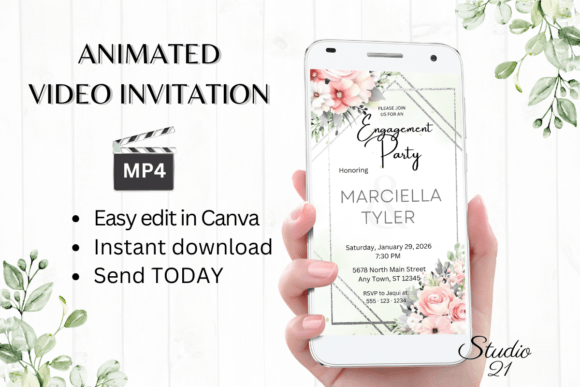
Planning an engagement party involves a dozen moving parts, from the guest list to the menu. The invitation often becomes a bottleneck, requiring back-and-forth with designers or wrestling with complex software. The Pink Roses Engagement Party Invite W1274 shifts this dynamic entirely. It’s not a static image or a complex file requiring professional software. This is a digital animated video invitation template designed for immediacy and personal control. You receive a link to a fully editable Canva template, allowing you to create a polished, moving invitation in minutes, not days. The appeal lies in its blend of professional design and user-friendly accessibility. You get the visual sophistication of a custom invitation with the convenience of a DIY project, eliminating the wait for proofs and the need for specialized design skills.
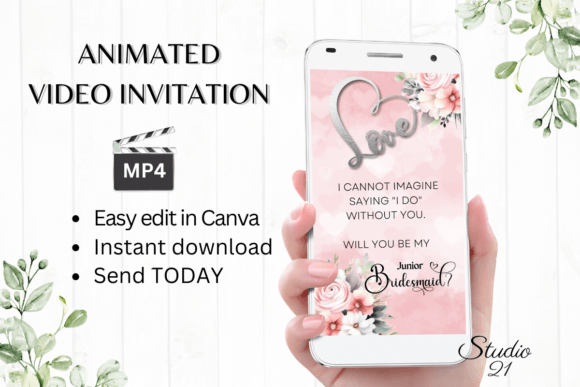
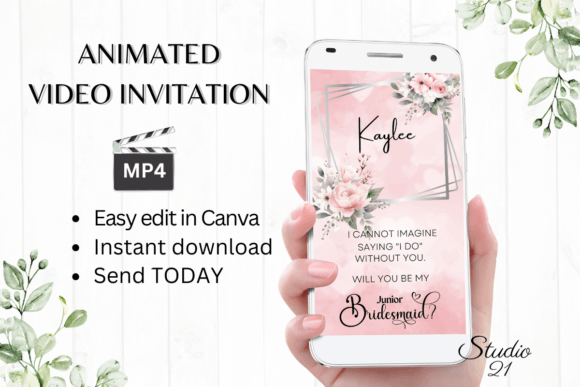
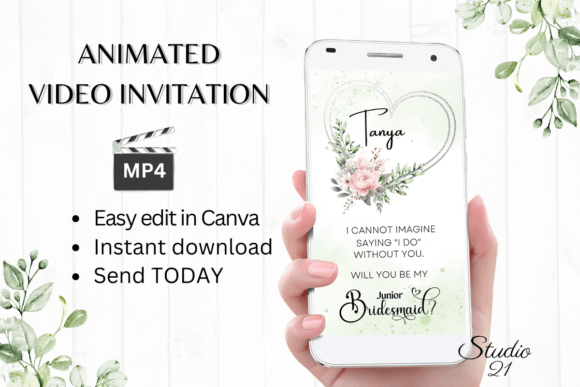
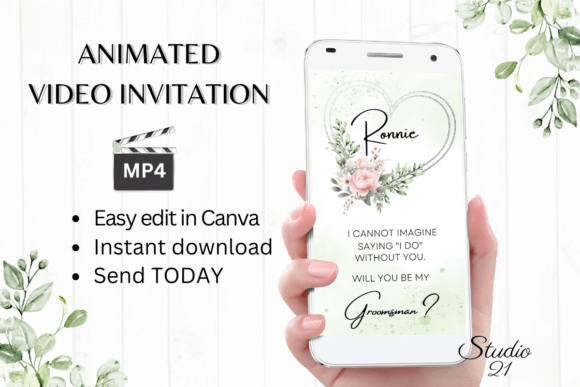
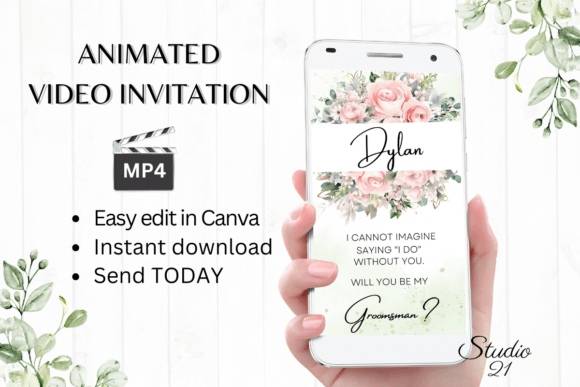
The visual personality of this template is defined by its elegant, romantic aesthetic. Soft, animated pink roses form the centerpiece, creating a gentle movement that catches the eye without overwhelming the viewer. The typography pairs a clean, modern serif for essential details with a flowing script for names and key phrases, establishing a clear visual hierarchy. This combination feels both timeless and contemporary—suitable for a garden party, an intimate dinner, or a festive gathering. The color palette, built around blush pinks, greens, and neutrals, offers versatility. It complements a wide range of engagement party themes, from classic and formal to relaxed and bohemian. The overall effect is one of curated warmth, making guests feel personally welcomed before they even read the details.
Practical Applications Beyond the Engagement Party
While designed for a specific event, the Pink Roses Engagement Party Invite W1274 template serves as a versatile design asset. Its core strength is in its animation and editable structure, which can be repurposed thoughtfully. For small business owners, particularly in event planning, floristry, or boutique hospitality, this template can be adapted for promotional content. Imagine a florist using it to announce a seasonal sale on arrangements, or a wedding venue showcasing a special package. The animated roses instantly communicate the business's niche. For content creators and bloggers, it can be a stylish way to announce a live Q&A, a new product launch, or a collaborative event, adding a layer of visual polish that static posts often lack. The key is to view the template not as a single-use item, but as a framework for elegant, animated communication.
The process of personalization in Canva is where this template demonstrates real-world value. You are not just changing text; you are engaging in a form of modern typography and layout design. The platform allows you to adjust font styles, colors, and sizes, and even modify text effects and animation styles. This level of control means you can align the invitation perfectly with your personal or brand identity. For a more formal tone, you might choose a classic serif and a muted color palette. For a playful vibe, you could select a bolder script and brighter accents. This flexibility is crucial for maintaining consistency across all communications, whether for a personal milestone or a business event. The ability to download the final product as an MP4 file makes it universally shareable via text, social media, or messaging apps, meeting your guests or audience where they already are.
Guidance for Effective Implementation
When you download the Pink Roses Engagement Party Invite W1274, you receive a PDF with a direct link to the Canva template and a concise user guide. To get the most from it, start by gathering all your event details—date, time, location, RSVP information, and any dress code notes. Open the template in Canva and work through the text layers systematically. A practical tip is to first replace the placeholder text with your information, then fine-tune the typography. Consider the readability of your chosen fonts at a small size, especially for details like the address or phone number. The animated elements are pre-set, but you can experiment with their timing or style if the platform allows, though the default is often optimized for impact. Always preview the animation on your own device before finalizing to ensure it plays smoothly.
For those considering this for business or more frequent use, think about font pairing and overall cohesion. While the template provides a strong starting point, you can create a suite of communications by using the same color palette and font choices across social media graphics, email headers, and other digital materials. This builds a recognizable aesthetic. If you plan to use the animation style or visual motifs in future projects, take note of the specific settings and assets used. Remember, this is a digital download; you can revisit and re-edit the template at any time for future events. While the colors may render slightly differently across devices—a common consideration with any digital design—the core message and elegance remain intact. It’s a practical tool that bridges the gap between professional design and personal expression, making sophisticated animated invitations accessible to everyone.